Use less.
Start with an assessment inquiry to discuss air sealing, insulation, and your home’s energy needs.
For home energy, HVAC & solar partners
Homeowners are already making decisions about efficiency, heating and cooling, and solar—often one at a time. NOVA gives them one point of contact through the whole journey, and gives you a simple way to follow their progress.
Opens the secure NOVA partner sign-in page.
Start with Home Energy
Many homeowners work on efficiency, heating and cooling, and solar at different times. NOVA helps connect those decisions. Introduce a homeowner to NOVA to discuss assessment options and the next steps that fit their home.
Introduce a clientOne point of contact
Why partner with NOVA
Our mission is to help New England homeowners use less energy, feel more comfortable, and make their own power. Clients may consider these upgrades at different moments. NOVA helps them understand the order, coordinate the people involved, and keep one clear point of contact from the first assessment onward. We aim for a handoff worthy of a five-star experience.
Start with an assessment inquiry to discuss air sealing, insulation, and your home’s energy needs.
Explore heating and cooling upgrades that fit the home, including high-efficiency heat pumps and applicable incentives.
When solar makes sense, design around the home’s current and future energy needs instead of starting with the roof alone.
You bring the trusted relationship. NOVA helps your client see the next right step, and the portal lets you follow along.
Explore the three-phase programFrom the field
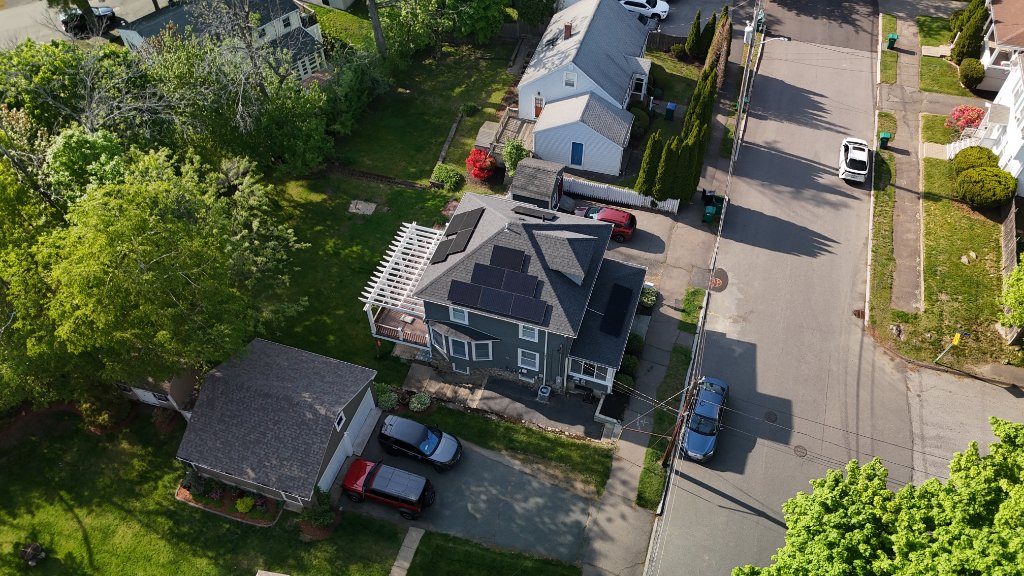
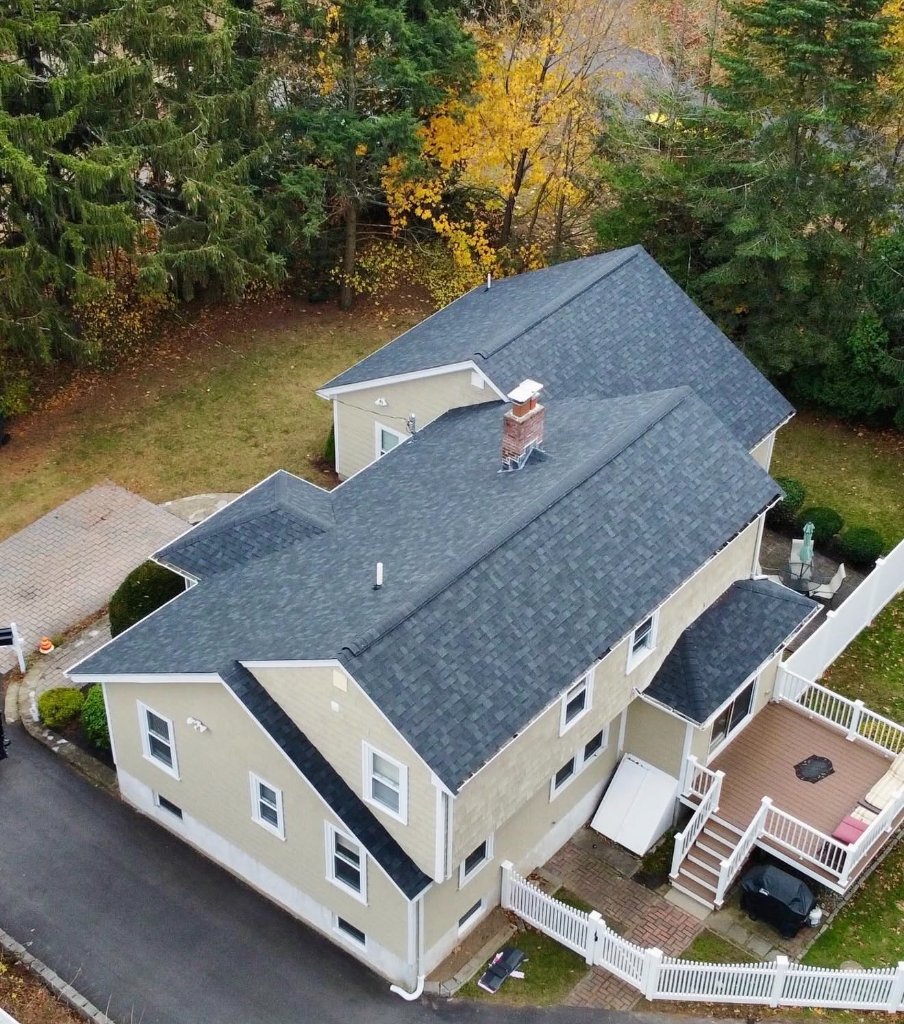
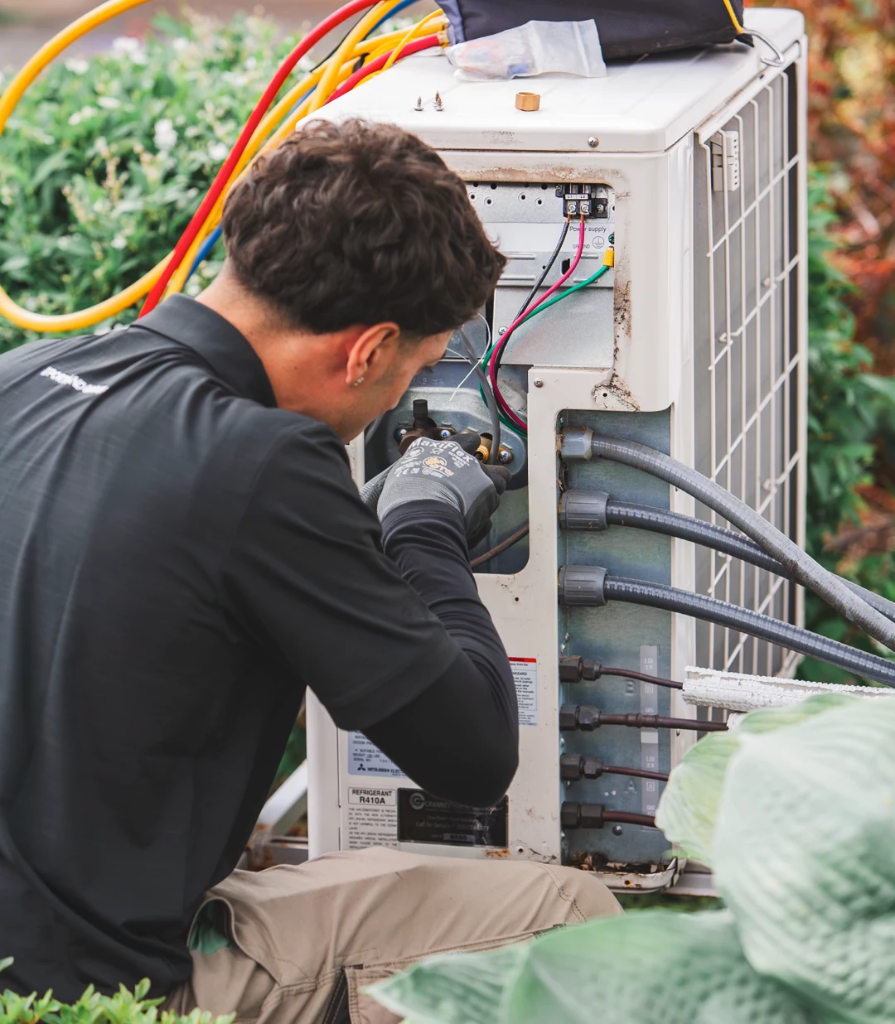
A look at the HVAC, roofing, and solar work behind our whole-home approach.
Partner earnings
An assessment can be the beginning of a longer energy journey. Your portal shows referral progress, earnings, and payout status as each project moves forward.
Home Energy assessment
$50
For each completed Home Energy Assessment you refer.
HVAC installation
$200–$500
Per completed install, based on system size and scope.
Solar project
50/50 split
Typical partner commission: $1,000–$5,000 on a closed deal, depending on system size.
How the portal works
Introduce a client in minutes, stay close to their progress, and see your earnings in one place.
Open the partner portal and sign in with the email address associated with your NOVA partner account. If you have not been given access, ask your NOVA contact for an invitation.
Choose Introduce Client in the portal. Enter your client’s first name, last name, phone number, and the service they are interested in. Add an address, email, or notes when you have them.
Open My Referrals to follow your client’s progress from introduction to appointment and proposal. Your Earnings page shows commissions and payout status when applicable.
On your phone
This creates a quick way back to the portal. It uses the same account and features as the website.
Use Safari
Use Chrome
Introduce your client through the portal, and let’s build their next step together.